
Tags and Lessons without over-organising
A Lesson is what you sit down and study. A Tag is how you find it again later. Deciding which one a new Term needs takes a second and saves a rebuild.
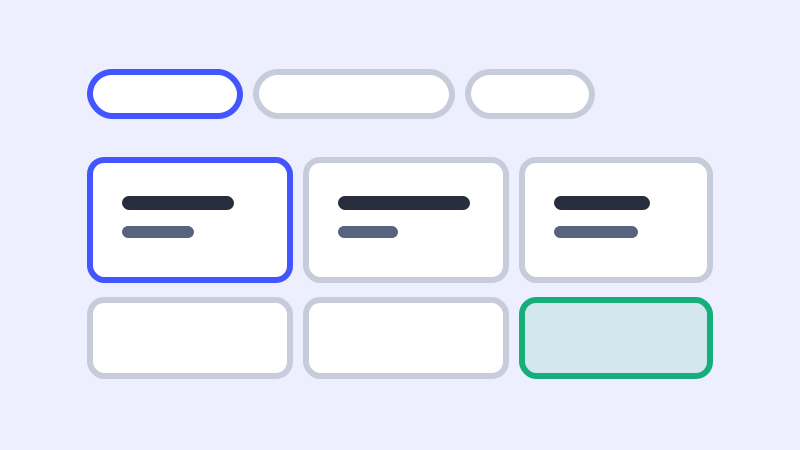
Organization should make studying easier, not heavier. If every new Term forces you to design a perfect library structure, the system is asking too much. MemorizeKit keeps the distinction small: use a Lesson for the material you want to study together, and use Tags to find related material later.
You can return to the Blog index for more guides, or look at the Explore Lessons preview to see how public Lesson-style groupings can stay simple.
Give Lessons and Tags different jobs
A Lesson is a study grouping. It has a beginning, a reason, and a set of Terms that make sense in the same session. A Tag is a retrieval aid. It cuts across Lessons so you can find material by theme, skill, exam, source, or habit.
This difference prevents duplicate structure. If “phrasal verbs for meetings” is a focused study session, make it a Lesson. If “meetings” is a theme that appears across many Lessons, make it a Tag.
Use a Lesson for a study session
Create a Lesson when you can imagine sitting down to study the material as one unit. The Lesson might come from a video, a reading passage, a class handout, or a personal writing correction. The point is that the Terms support each other because they share context.
For example, a Lesson called “Reading: remote work article” can hold vocabulary, one useful sentence pattern, and a short note about tone. Keeping those Terms together helps you review the English as it appeared in the source.
Use Tags to find material again
Use Tags when you want a future search path. A Tag can mark skill areas like “speaking,” content themes like “work,” or grammar patterns like “conditionals.” Tags are especially useful when the same theme appears in several Lessons.
For example, the phrase “take ownership of” might live inside a Lesson about interviews, but it could also carry the Tags “work,” “speaking,” and “collocations.” You do not need to move it into a different Lesson just to make it findable.
Three small English-learning examples
If you are saving vocabulary from a podcast episode, make the episode a Lesson and tag the important Terms with the topic. If you are collecting sentence patterns for IELTS writing, make a Lesson for one writing task and tag patterns like “contrast” or “cause and effect.” If you are reviewing pronunciation notes, make a Lesson for the practice session and tag difficult sound groups.
The pattern is the same each time. Lessons protect context. Tags create useful cross-links. Neither one needs to become a complete taxonomy before you can study.
Start with less structure than you think
Begin with fewer Tags than feels necessary. Add a Tag only when you have actually wanted to find that kind of material more than once. Name Lessons in plain language, close to the source or session that created them.
This keeps your library alive. You spend less time maintaining categories and more time recalling, checking, and improving the English you saved.